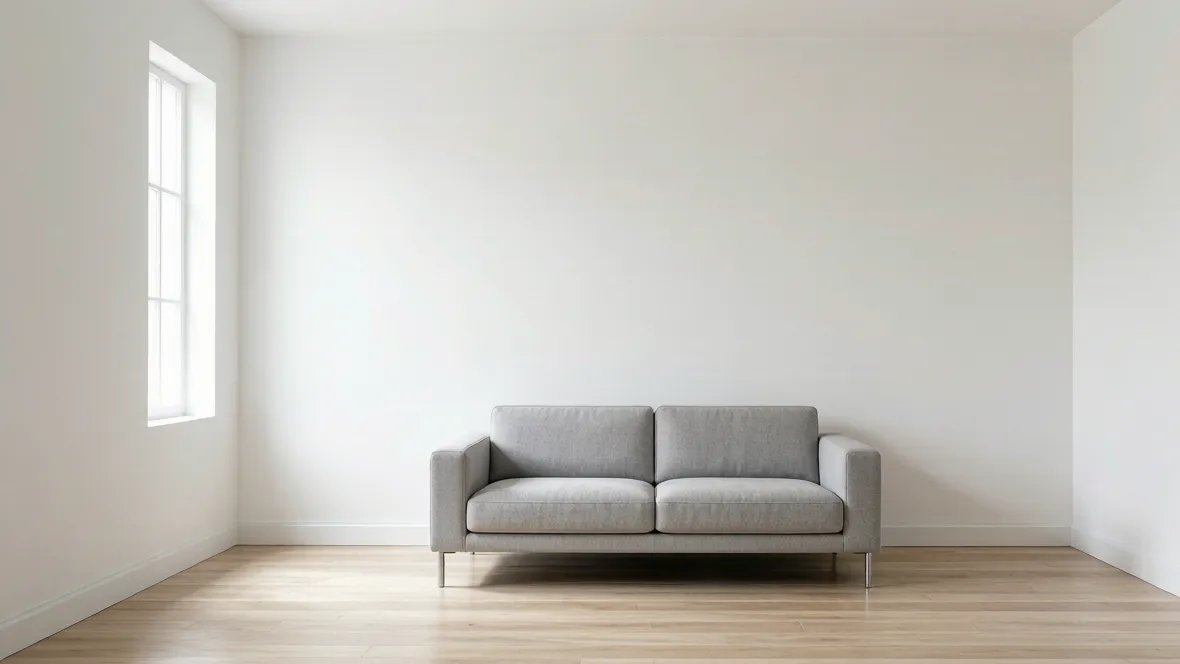
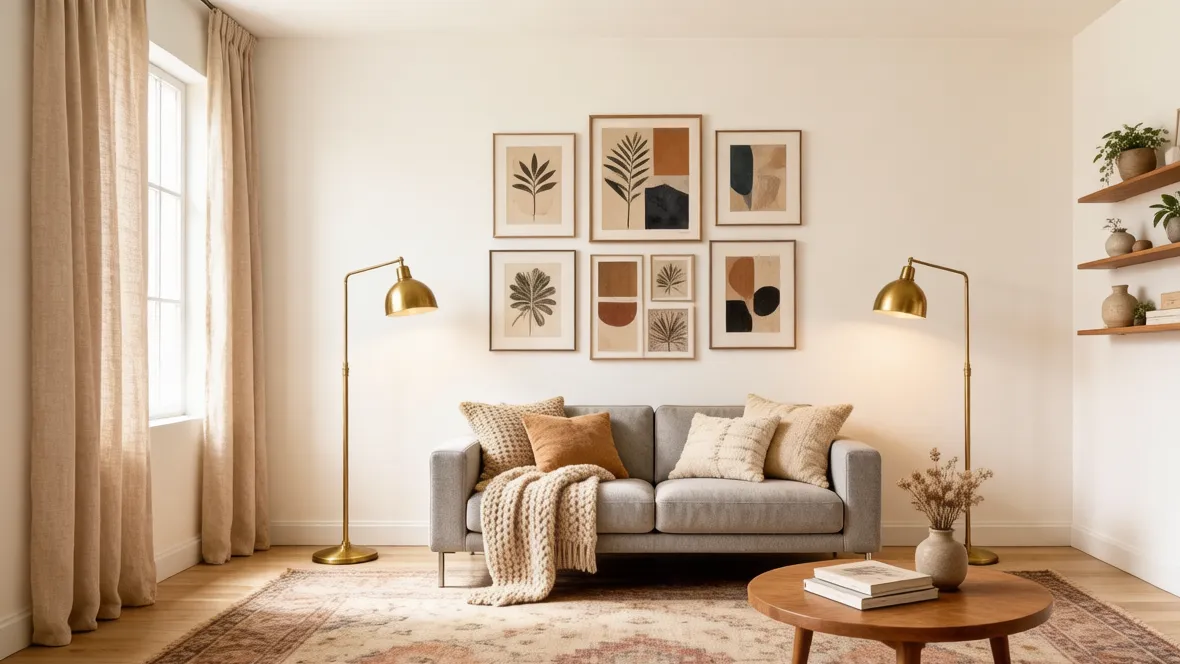
Upload your room photo and experience the power of AI room decorating.
Showcase
See AI Room Decorator Transformations
Smart Decor Direction Recognition
AI Room Decorator helps users see how the same room can shift through styling, layering, and decorative emphasis without changing the architecture. It is useful when the room already works structurally but still feels flat, unfinished, or visually disconnected.
Decor direction
Layering and styling
Room personality
Custom Furniture, Finish & Accent Creation
Use the page to compare furniture character, textiles, accent lighting, art direction, and finish details in the same room shell. This makes it easier to decide whether the room needs warmer textures, cleaner styling, more decorative contrast, or a softer overall mood before you start sourcing items.
Furniture styling
Accent and textile ideas
Finish detail comparison
Instant Decor Variations
Generate several decorative directions quickly so you can compare mood and styling side by side. The page is especially useful for narrowing a visual taste before you make small upgrades, furniture swaps, or a more complete redecoration pass.
Multiple decor options
Visual taste comparison
Faster styling decisions
Technology
Advanced AI Room Decorator Technology
01
Decor Direction Analysis
The system studies what the room already communicates and where furniture, lighting, and accents can shift its style.
02
AI-Powered Room Decorating
Generate decorative room concepts quickly when you want a styling-first workflow rather than a full planning brief.
03
Material & Accent Coordination
Compare finishes, textiles, accent pieces, and furniture tones that shape the room’s final atmosphere.
04
Real-Time Decor Visualization
See decor ideas quickly so styling decisions feel more concrete before you source products.
05
Atmosphere Optimization
Improve the room’s warmth, balance, and decorative clarity without changing the underlying architecture.
06
Personalized Style Adaptation
Move the same room toward calmer, richer, softer, or more expressive styling directions with less guesswork.
How it works
How to Decorate a Room with AI
01
Upload Your Room Photo
Use a clear room image that shows the furniture, finishes, and the styling decisions you want to improve.
02
Choose Style & Features
Describe the decor mood, furniture character, and finish direction you want the room to explore.
03
Generate & Customize
Compare decor concepts and refine the styling direction before you start sourcing furniture or accessories.
AI Room Decorator uses a room photo and your prompt to generate decor-focused concepts around furniture styling, finishes, textiles, accents, and overall atmosphere.
Do I need design experience to use it?
No. It is useful for anyone trying to clarify decor taste and room styling before making purchases.
Can it work with small rooms?
Yes. Small rooms can benefit from quicker styling comparisons because texture, color balance, and furniture weight matter more in compact spaces.
How realistic are the generated decorated rooms?
They are realistic concept images meant to support decor decisions, but they can still make mistakes with exact product fit or proportion.
Can I use AI Room Decorator for renovation planning?
It is better for decor, styling, and visual direction than for layout-first planning, though it can still support smaller refresh or furnishing decisions.
Can professionals use this for client concepts?
Yes. Decorators, stagers, and interior designers can use it as a fast styling workflow before presenting a refined concept package.
Start designing
Start Your AI Room Decorator Today
Upload your room photo and let AI generate decor ideas in seconds. Compare furniture, finishes, and atmosphere before you commit to a styling direction.