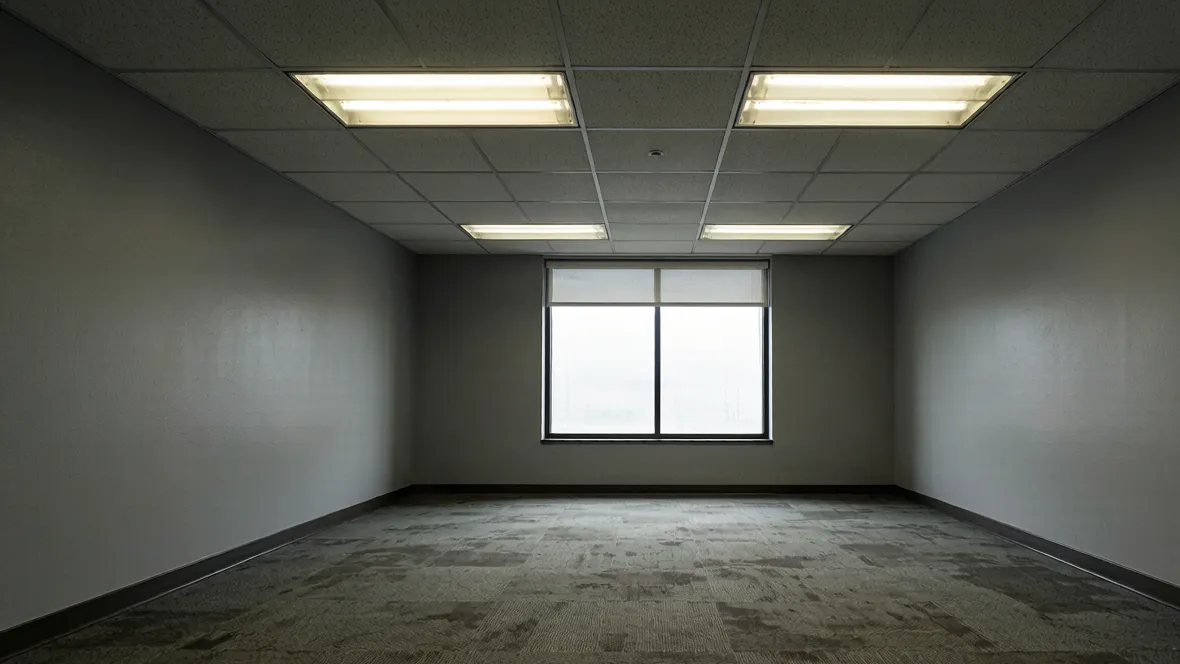
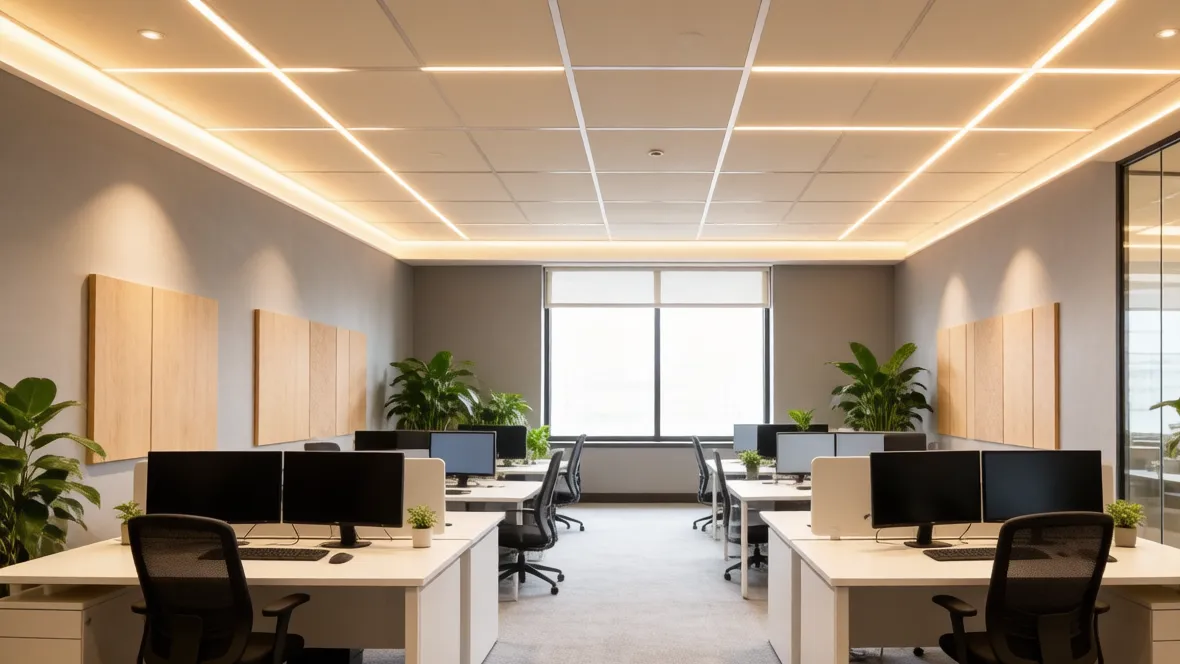
Upload your office photo and experience the power of AI office design.
Showcase
See AI Office Design Transformations
Smart Office Layout Recognition
AI Office Design helps you compare how desk placement, storage, background walls, and movement paths affect concentration and usability. It is useful whether the room is a home office, studio corner, or more polished client-facing space that needs to support both focused work and a cleaner visual setup.
Desk zone planning
Focus flow and circulation
Storage placement clarity
Custom Storage, Lighting & Style Creation
Use the page to compare whether the office should feel warmer, more minimal, more residential, or more professional. The workflow is ideal for testing shelving, built-ins, task lighting, and backdrop decisions before you spend time sourcing furniture or reworking the room around daily productivity.
Lighting clarity
Storage and shelf direction
Professional visual polish
Instant Office Transformations
Generate multiple office concepts quickly so you can compare what best supports solo work, calls, meetings, or a more creative setup. AI Office Design gives you a faster way to compare room direction before you reorganize the space or invest in furniture, built-ins, or finish upgrades.
Workstyle-based concepts
Fast comparison before upgrades
Better call and meeting backdrop ideas
Technology
Advanced AI Office Design Technology
01
Office Layout Analysis
The system studies work zones, desk orientation, storage, and circulation so the office can support concentration more effectively.
02
AI-Powered Office Redesign
Compare multiple office concepts quickly, from focused solo setups to more polished client-facing work environments.
03
Material & Color Coordination
Test wood tones, shelving finishes, seating materials, and lighting character that support a more coherent office atmosphere.
04
Real-Time Office Visualization
Generate office concepts that let you compare work mood, practical setup, and visual polish in one workflow.
05
Functional Optimization
Improve focus, call background, desk ergonomics, and storage clarity while keeping the office easier to use every day.
06
Personalized Style Adaptation
Move the same room toward a warmer home-office look or a more restrained professional setup without rebuilding the whole brief.
How it works
How to Design Your Office with AI
01
Upload Your Office Photo
Start with an image that shows the desk area, storage, windows, and main work surfaces.
02
Choose Style & Features
Describe the office mood, storage needs, and workstyle priorities the concept should respond to.
03
Generate & Customize
Compare the concepts and refine the balance between focus, comfort, and a more polished work environment.
AI Office Design uses an office photo and your prompt to generate concept images focused on desk zones, storage, lighting, and productive room layout. It helps you compare design direction quickly before you reorganize or renovate the space.
Do I need design experience to use it?
No. It is useful whether you are setting up a first home office, refreshing an existing workspace, or testing a more professional room direction.
Can it work with small office spaces?
Yes. Small offices often need careful desk orientation, better storage planning, and stronger lighting choices, which makes the workflow especially helpful.
How realistic are the generated office designs?
They are realistic concept images meant to support decisions about layout and atmosphere. They should still be reviewed against your real dimensions, ergonomics, and electrical needs.
Can I use AI Office Design for renovation planning?
Yes. It can help you compare room setup, cabinetry, shelving, and lighting direction early before moving into more detailed design or contractor coordination.
Can professionals use this for client concepts?
Yes. Interior designers, workplace consultants, and real-estate teams can use it to compare office directions and present faster concept options.
Start designing
Start Your AI Office Design Today
Upload your office photo and let AI generate room-specific design ideas in seconds. Compare layouts, styles, and finishes before you commit to a redesign or renovation.