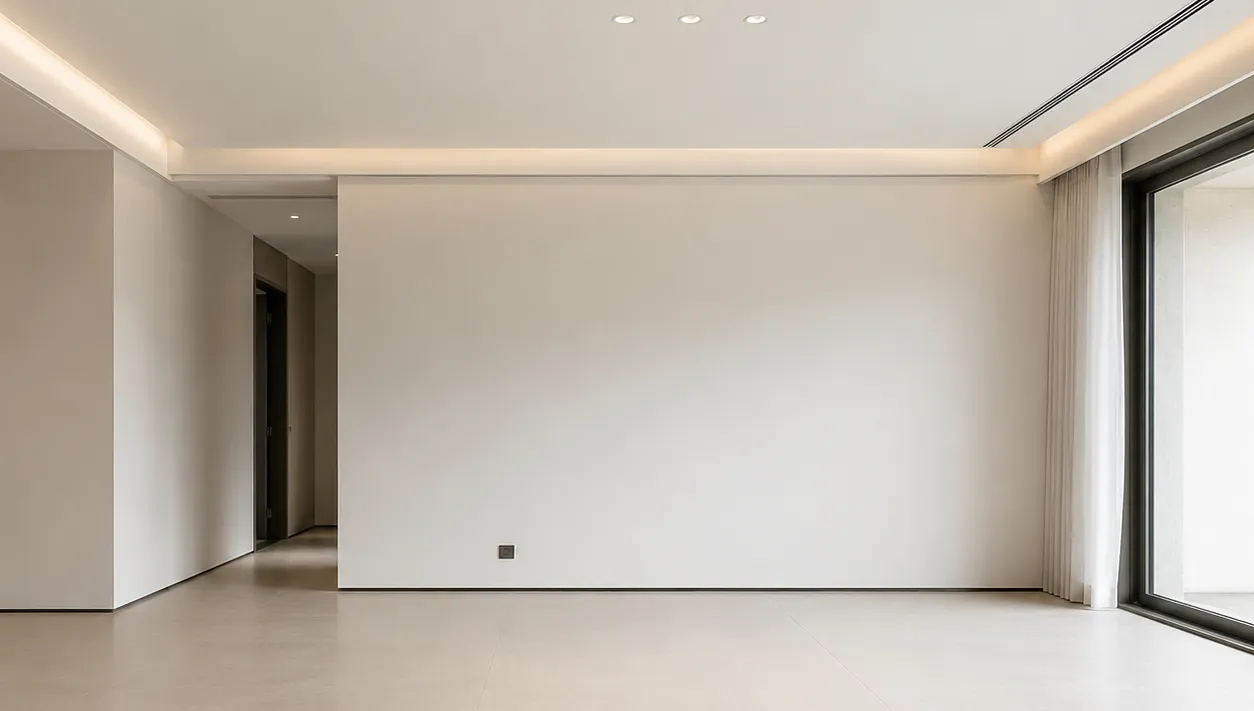
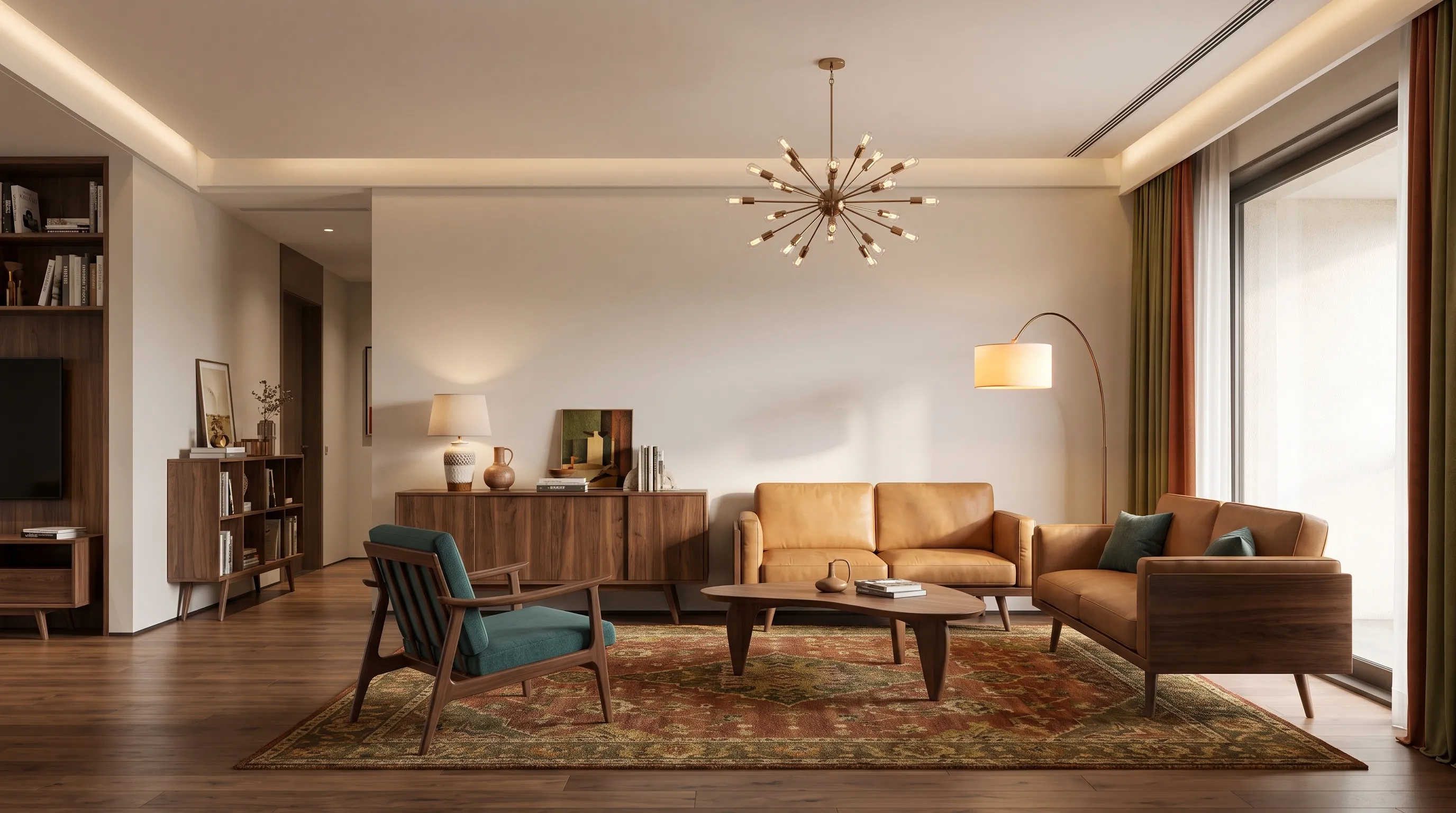
Upload your room photo and experience the power of AI interior design.
Showcase
See AI Interior Design Transformations
Smart Interior Layout Recognition
AI Interior Design reads the room shell, furniture placement, and main focal zones so the redesign stays grounded in the space you already have. This makes it easier to compare refined interior directions without losing context or inventing a completely different room.
Preserve room context
Respect existing geometry
Faster interior comparisons
Custom Material, Furniture & Lighting Direction
Use the page to compare how furniture language, finishes, textiles, and lighting mood shift the room atmosphere. The goal is broader interior direction, not only decoration, so the page should help clarify whether the room needs a warmer palette, a calmer composition, or a stronger visual identity.
Material palette
Furniture styling
Lighting atmosphere
Instant Interior Transformations
Generate several interior directions quickly so you can compare atmosphere, finish strategy, and furniture feel in one workflow. The page helps users move faster from a vague design taste to a clearer room-wide interior concept before sourcing products or briefing a designer.
Multiple interior directions
Mood and finish review
Clearer design brief
Technology
Advanced AI Interior Design Technology
01
Interior Layout Analysis
The system studies room geometry, furniture balance, and focal areas to keep the redesign grounded in the original space.
02
AI-Powered Interior Redesign
Compare several interior directions quickly, from small refreshes to more complete atmosphere changes.
03
Material & Color Coordination
Test finishes, palette relationships, and furniture tones that make the room feel more coherent.
04
Real-Time Interior Visualization
Generate visual interior concepts quickly so mood, styling, and layout can be reviewed together.
05
Functional Optimization
Improve the room’s use and flow while still moving the visual language in a more intentional direction.
06
Personalized Style Adaptation
Move the same room toward different interior aesthetics without rebuilding the whole brief.
How it works
How to Redesign an Interior with AI
01
Upload Your Room Photo
Use a clear room image that shows the furniture, walls, openings, and the main visual composition.
02
Choose Style & Features
Guide the design with your preferred interior mood, material direction, and furniture character.
03
Generate & Customize
Review the options and refine the direction before sourcing furniture, finishes, or decor.
AI Interior Design uses a room photo and your prompt to generate concept images around materials, furniture, lighting, and overall room atmosphere. It helps users compare visual direction quickly before deeper design work begins.
Do I need design experience to use it?
No. The page is useful for homeowners, renters, decorators, and professionals who want a faster way to compare interior directions.
Can it work with small interior spaces?
Yes. Small spaces often benefit from quicker testing around furniture, palette, and spatial lightness, which makes the workflow especially useful there.
How realistic are the generated interior designs?
They are realistic concept images meant to support decisions about interior direction, not measured or construction-ready documents.
Can I use AI Interior Design for renovation planning?
Yes. It is useful for early planning around materials, furniture, built-ins, and room atmosphere before deeper design coordination.
Can professionals use this for client concepts?
Yes. Designers and consultants can use it as a fast concepting workflow before building a more formal presentation.
Start designing
Start Your AI Interior Design Today
Upload your room photo and let AI generate interior design ideas in seconds. Compare materials, layouts, and furniture directions before you commit to a redesign.